
Harness Health MyChart
Login to MyChart
New To MyChart?
MyChart Assistance
New to Harness?
Complete this form to get started managing your prescriptions
MyChart can help you take control of your health with free, personalized and secure 24/7 online access to health care. With MyChart, patients refill prescriptions and communicate with your care team.
New MyChart users
There are three easy ways to sign up for MyChart:
- Register online – You may have been given a 10-digit activation code at your last doctor’s appointment. If so, click here to register online. No need to worry if you don’t have an activation code. You can still register for MyChart by providing a little bit of information about yourself. Click here to register without an activation code.
- Register at your provider’s office – It’s quick and easy to set up an account at your health care provider’s office during your next appointment.
- Register by phone – Prefer to register for my chart by phone? Simply call the Harness Health MyChart help desk at 866-710-7170
Existing MyChart users
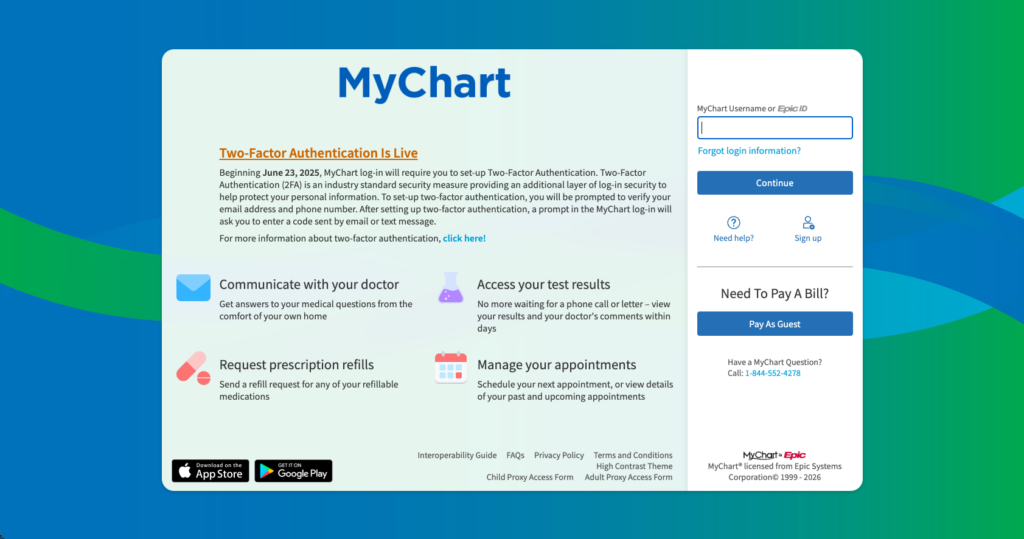
Already have a MyChart account? Simply click below to instantly access your medical information:
Reminder: When you visit your provider in the new year, you will need to update your insurance information. For your convenience, you can sign into your MyChart account to update your insurance information. It’s easy and convenient.
Benefits of MyChart
- Have an up-to-date list of prescriptions in your pocket.
- Never miss a dose. Get reminders when it’s time to take your meds.
- Refill by scanning your prescriptions.
- Get a message when your prescription is ready.
Download the Mobile MyChart app
Accessing your health information on MyChart is even more convenient with the MyChart app. Whether you’re at work, running errands or heading out to a doctor’s appointment, MyChart is available for Apple® or Android™. Once you’ve downloaded the MyChart app to your phone or tablet, simply select your health care provider and enter your MyChart username and password.
If you have forgotten your password or for any problems using or logging into the app, contact the MyChart Help Desk at 866-710-7170.
Emergency communication
If you are having a medical emergency, call 911 right away. For other non-emergency medical matters, call your doctor’s office.
Managing your health care just got easier with MyChart.
You can now access all your participating MyChart organizations with one login in MyChart Central. Simply visit central.mychart.org and select Sign up. You can also do this within your MyChart account by going to Link My Accounts and select Get Started under Connect with MyChart Central.
You will need a current MyChart account to use MyChart Central.
